Look for indexed public pins and boards
One clear, front-facing portrait gives the face index the most to compare.
Portraits on Pinterest are frequently saved from blogs, shops, editorials, and social profiles. FaceSonar helps connect a visual lead to public pins and, where available, the page behind the pin.
Trace a widely saved portrait beyond the pin toward its public source context.
Search indexed public web pages connected to Pinterest. This guide explains the platform-specific profile, channel, post or media coverage.
Stored privately, and deleted after 30 days if you don't unlock a report.The workflow starts with visual similarity and ends at the original public page. A resemblance is a lead to inspect, never an identity label.
One clear, front-facing portrait gives the face index the most to compare.
Find public Pinterest pins, boards, and related source pages that may show a visually similar face.
Treat the similarity score as a lead, not a name; open and verify the original page.
Coverage depends on pages that are publicly accessible and indexed. These are the most relevant source types for this platform.
Indexed pin detail pages with a visible image, description and save context.
Indexed boards and sections that place a portrait inside a topic or collection.
Blogs, editorials, portfolios and shops linked from a public pin.
Open pages where the image appears embedded, cropped or republished.
Private spaces stay outside the product. No profile-style illustration on this page implies access to restricted data.
A useful lead should survive more than one check. Compare visual detail with dates, handles, biographies, linked sites, and independent appearances.
The pin and destination page show the same visual and compatible context.
An older publisher page predates later saves, crops and reposts.
A larger, less-cropped version preserves more reliable facial detail.
Handles, biographies and linked sites remain consistent across public pages.
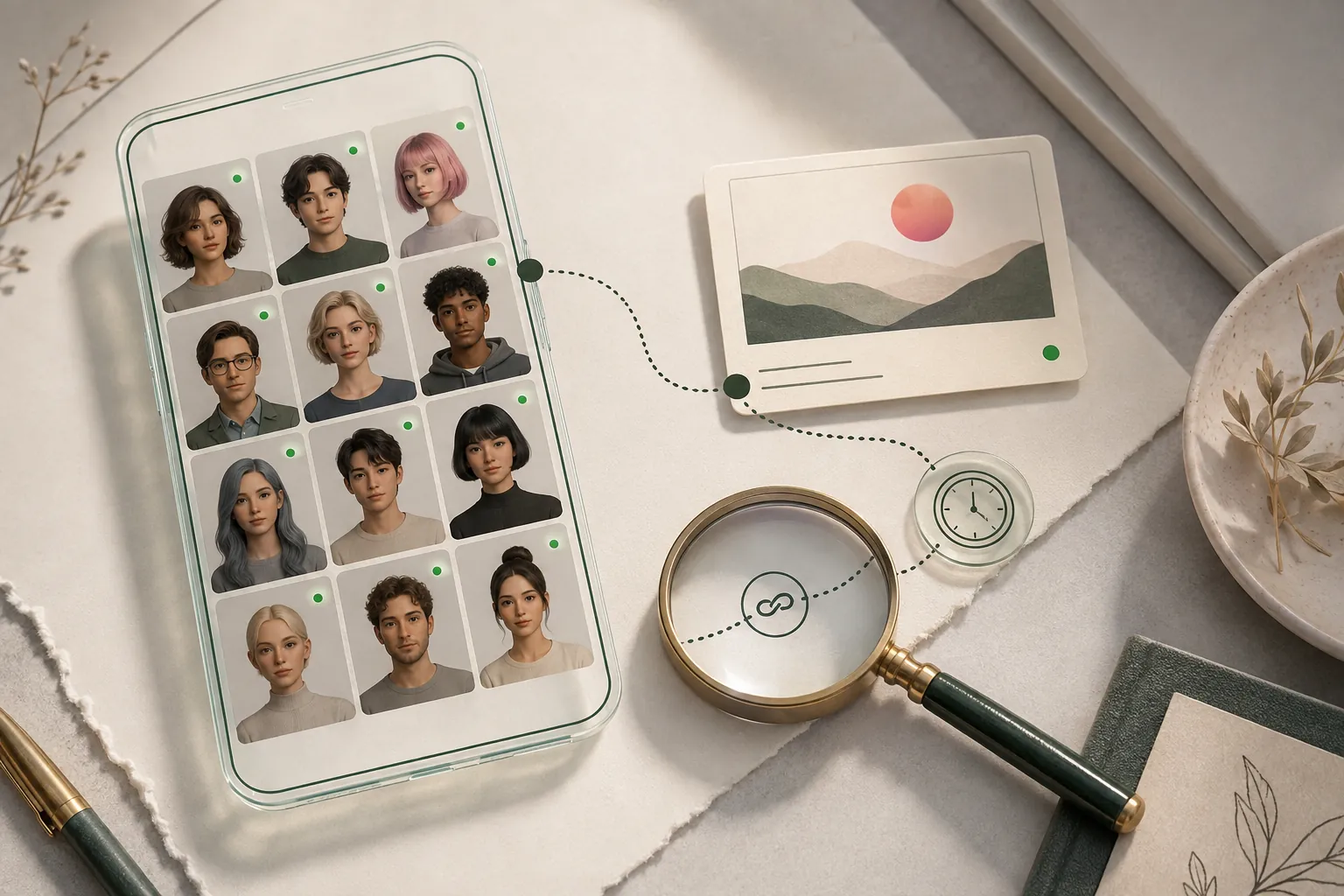
Clear answers about public coverage, photo quality, privacy, and responsible interpretation.
No. It only shows that a visually similar face appears on a public page.
No. Pins may have broken, changed, or missing outbound links.
No. It does not sign in, inspect feeds or open private boards. It reviews only publicly accessible, indexed web pages.
Yes, if it contains one clear, sufficiently large face. Busy collages and tiny portraits reduce match quality.
A blog may be the publisher linked by the pin or an earlier public source. Compare dates, image quality and authorship before drawing a conclusion.
Sometimes. A clearly visible face may still produce useful public leads, but strong crops, filters and overlays reduce reliability.
Upload one clear photo, choose the face, and keep every potential match connected to its original public source.