Find public reuse
Look for the same portrait or visually similar adult face on indexed public pages.
Use one clear adult face photo to review public-web reuse and visually similar profile leads. When you unlock the report, FaceSonar searches a third-party face index and helps you organize the evidence; it does not label a person a scammer or prove who owns an account.

Look for the same or a similar face elsewhere on the public web: reused photos, visually similar profiles and inconsistent sources. Private accounts and native app data remain out of scope.
Stored privately, and deleted after 30 days if you don't unlock a report.The useful question is not simply whether two faces look alike. It is whether the photo, account history, source dates, and live behavior tell a consistent public story.
Look for the same portrait or visually similar adult face on indexed public pages.
Review visible names, dates, bios, locations, linked sites, and posting history.
Use independent details and a live safety check before trusting, contacting, reporting, or blocking.
None of these clues proves deception alone. Treat them as prompts for source verification, not as labels for the person pictured.
The same portrait appears under different public usernames, biographies, or locations.
An older credible source predates the profile's claimed origin or posting history.
Names, occupations, places, or linked sites change while the same images remain.
A profile uses cropped, mirrored, filtered, or screenshot versions that hide the first source.
Claimed official pages do not link back, or public handles lead to a different story.
Repeated excuses around a live video call matter only when combined with stronger source inconsistencies.
Independent public-web safety guide. FaceSonar does not certify identities, trustworthiness, criminal intent, or complete internet coverage; it does not access private accounts, messages, or native app databases.
A calm, repeatable process reduces false accusations and keeps the evidence attached to its public origin.
Use a well-lit image with useful resolution, little obstruction, and no intimate or private content.
After unlocking the report, compare visually similar faces and exact-image reuse across public pages.
The person pictured may be genuine, copied, impersonated, unrelated, or another victim of photo theft.
Compare dates, handles, linked sites, multiple photos, live video, and the platform's own safety tools.
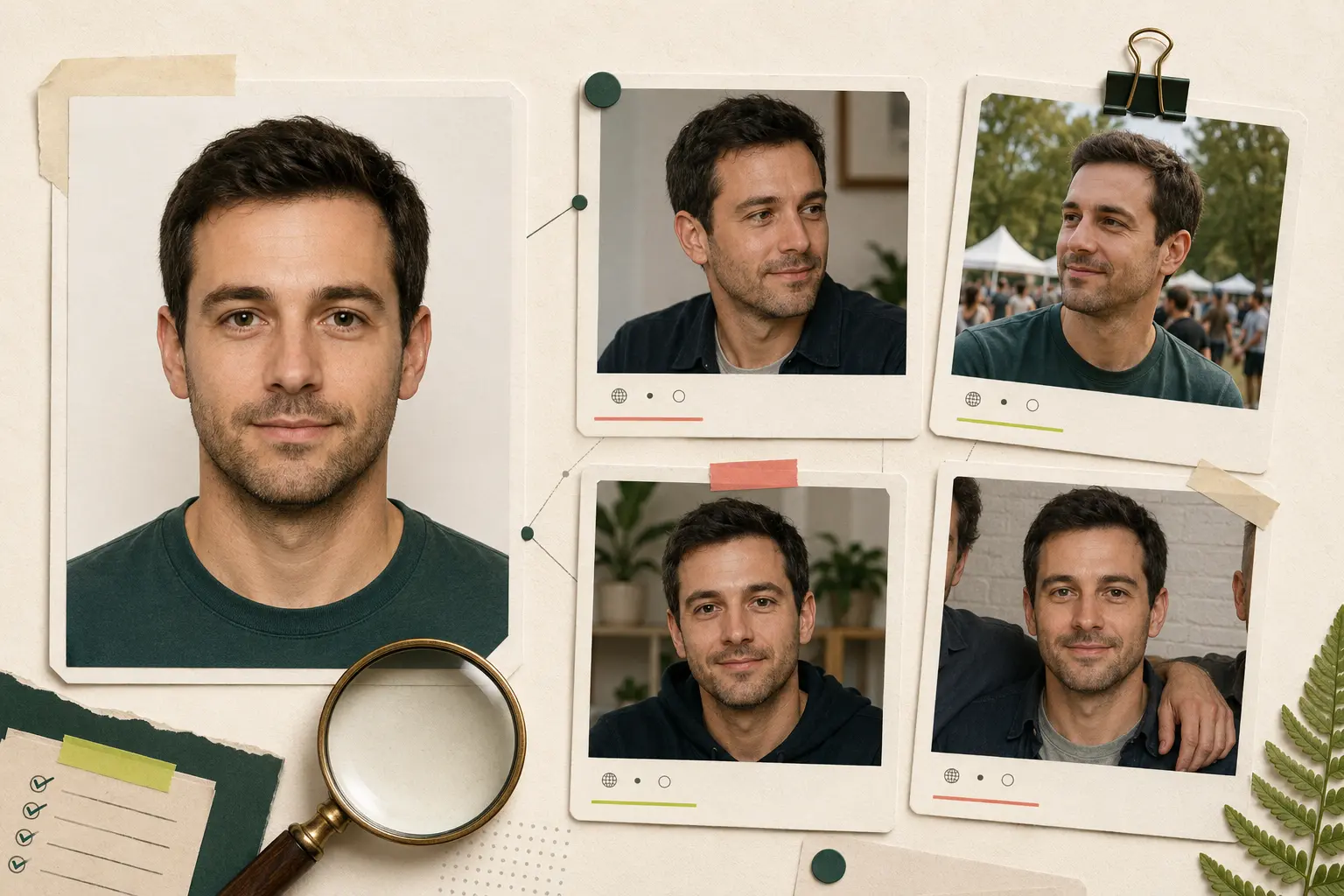
A copied portrait may point to an impersonator, a fan page, a repost, a legitimate cross-platform account, or a victim whose image was stolen. The original source and account claim must be evaluated separately.
Is it the same file, a crop, a mirror, a filtered copy, or a different photo of a visually similar face?
Which public page appears first, who published it, and does another credible source link to it?
Do the visible name, biography, timeline, location, linked profiles, and live behavior stay consistent?
Even several warning signs justify caution and further verification — not public accusation or retaliation.
Behavioral red flags are not proof either, but they can tell you when to slow down, protect your information, and use official reporting tools.
Basic details such as location, job, age, or travel history shift when simple questions are repeated.
Urgent requests for money, gift cards, crypto, tickets, fees, or account access appear before trust is established.
Video calls or ordinary real-time verification are repeatedly avoided without a reasonable explanation.
Intense intimacy, secrecy, exclusivity, or pressure develops unusually fast.
Claimed official accounts, websites, employers, or creator pages do not corroborate one another.
The account pressures you to move to an unfamiliar service, open files, share codes, or bypass safety features.
Biographies, captions, professional claims, or messages appear duplicated or inconsistent across public pages.
A refusal to send money, images, documents, or personal data leads to guilt, threats, or manipulation.
Stop immediately if verification would require private access, surveillance, confrontation, or sharing sensitive material.
Open the full original public page instead of relying on a search thumbnail.
Compare at least two independent photos with different dates, angles, or settings.
Check visible handles, linked sites, biography details, and the earliest credible publication.
Ask for a brief live video call through the platform without sending identity documents or intimate images.
Never send money, verification codes, crypto, gift cards, banking access, or account credentials.
Save exact URLs and use the platform's block, report, safety, or impersonation process when needed.
Protect yourself first. A careful exit and official report are often safer than confronting an uncertain account.
Stop sharing new information. Save the public URL, visible handle, dates, and relevant messages without redistributing private content.
Use in-app verification, video calling, blocking, and reporting tools rather than external confrontation.
Contact your bank or payment service quickly if funds or credentials were shared; change reused passwords and enable MFA.
If your own photo is being used, document the public source and follow the platform's impersonation and removal process.
Keep the original source URL and choose the guidance that matches the situation.
Public indexing is incomplete, visual similarity is not identity, and no automated result can certify trustworthiness.
No. A result may show resemblance or image reuse, but the person pictured may be unrelated, impersonated, copied, or another victim. Verify the source and profile claim separately.
A clear adult photo may surface indexed public pages connected to the same image or a visually similar face. Private, hidden, login-only, and unindexed profiles remain outside scope.
It is evidence that the visible image or a related copy was reused. It does not by itself prove which account is genuine, who operates either account, or whether a crime occurred.
It is a lead worth reviewing at the original source. Lookalikes, relatives, compression, filters, and low-quality crops can produce misleading similarities.
The photo may be new, private, unindexed, blocked from crawling, deleted, heavily edited, or absent from the face index. No result does not prove the profile is real or safe.
Use one clear, well-lit adult face with useful resolution, a near-frontal angle, little obstruction, and minimal filtering. Avoid group shots and tiny screenshots.
Yes, if the face remains large and clear enough. Interface overlays, compression, filters, mirroring, and small crops may reduce candidate quality.
No. Private profiles, closed groups, messages, contacts, subscriber content, and login-only application databases are outside the product boundary.
It is stored privately on FaceSonar's server and is never sent to the platform you are checking. It goes to the third-party face index only if you unlock the report, and photos behind unpaid searches are deleted automatically after 30 days.
Only use a photo you own or are legally authorized to use, with consent where required. Never use the workflow for stalking, exposure, harassment, threats, or high-impact decisions.
No. FaceSonar is designed for lawful adult-photo use and must not be used to search for, track, identify, or profile minors.
Stop contact, preserve relevant records, notify the platform, contact your bank or payment provider immediately, change affected passwords, enable MFA, and report the incident to the appropriate local authority.
Not necessarily. Confrontation can increase manipulation or retaliation. Preserve public evidence, protect your accounts, and use block/report tools or professional help when safety or money is involved.
Save the exact public URL and screenshots, identify the platform's impersonation form, provide only the information it requires, and follow FaceSonar's reporting and removal guidance.
Prepare one clear adult profile photo, review public evidence carefully, and keep every conclusion proportional to what the sources actually show.