FaceSonar
CROSS-PLATFORM PUBLIC-WEB GUIDE · CARD PAYMENTS LIVE
Social Media Search by Photo

Find public social media profiles with one face photo.

Use one clear adult face photo for a cross-platform public-web search. When you unlock the report, FaceSonar searches a third-party face index and groups visually similar profile, post, channel, and creator-page leads by source — never as an identity verdict.

  • 14 platform-specific guides
  • Public sources only
  • Original-page verification
Cross-platform social media search

Choose one clear adult face for social media search.

Look for indexed public profile, post, channel and creator-page leads associated with 14 social platforms. Private accounts and native app data remain out of scope.

Stored privately, and deleted after 30 days if you don't unlock a report.
Stored privately · unpaid photos deleted after 30 daysNo private accounts or native app dataA visual match is not proof of identity
01 / PLATFORM ATLAS

One photo can lead to different kinds of public social evidence.

Each platform exposes different public surfaces. Use the dedicated guide to understand what may be indexed, what stays private, and which source details deserve verification.

Coverage depends on the face index and each platform's public indexing. A guide does not guarantee that every listed source is searchable.

02 / SEARCH FLOW

Search broadly. Verify narrowly.

A cross-platform workflow should reduce noise before any profile is treated as meaningful.

01

Prepare one clear adult face

Use useful resolution, balanced light, a near-frontal angle, and as little obstruction as possible.

02

Compare public indexed images

After unlocking the report, compare the query with faces attached to indexed public profile, post, channel, and media pages.

03

Group leads by platform and source

Separate possible profile pages, creator channels, reposts, thumbnails, public communities, and low-context copies.

04

Verify on the original page

Open the source and compare usernames, dates, captions, linked accounts, and more than one independent photo.
What a public social search may surface
  • Publicly indexed profile, post, page, channel, pin, clip, and creator-page references
  • The same portrait reused under different visible usernames or contexts
  • Different public photos of a visually similar adult face
  • Source URLs, dates, captions, handles, linked sites, and publisher context
  • Leads for your own footprint audit, impersonation review, or profile-safety research
What it cannot access or prove
  • Private accounts, closed groups, contacts, messages, stories, member-only areas, or login-only app databases
  • A confirmed identity, account owner, intent, reputation, relationship, or sensitive trait
  • Deleted, unindexed, device-only, paywalled, or access-restricted material
  • Complete coverage of every platform, account, image, username, or historical post
  • Searches involving minors, stalking, doxxing, harassment, blackmail, non-consensual intimate content, or high-impact decisions
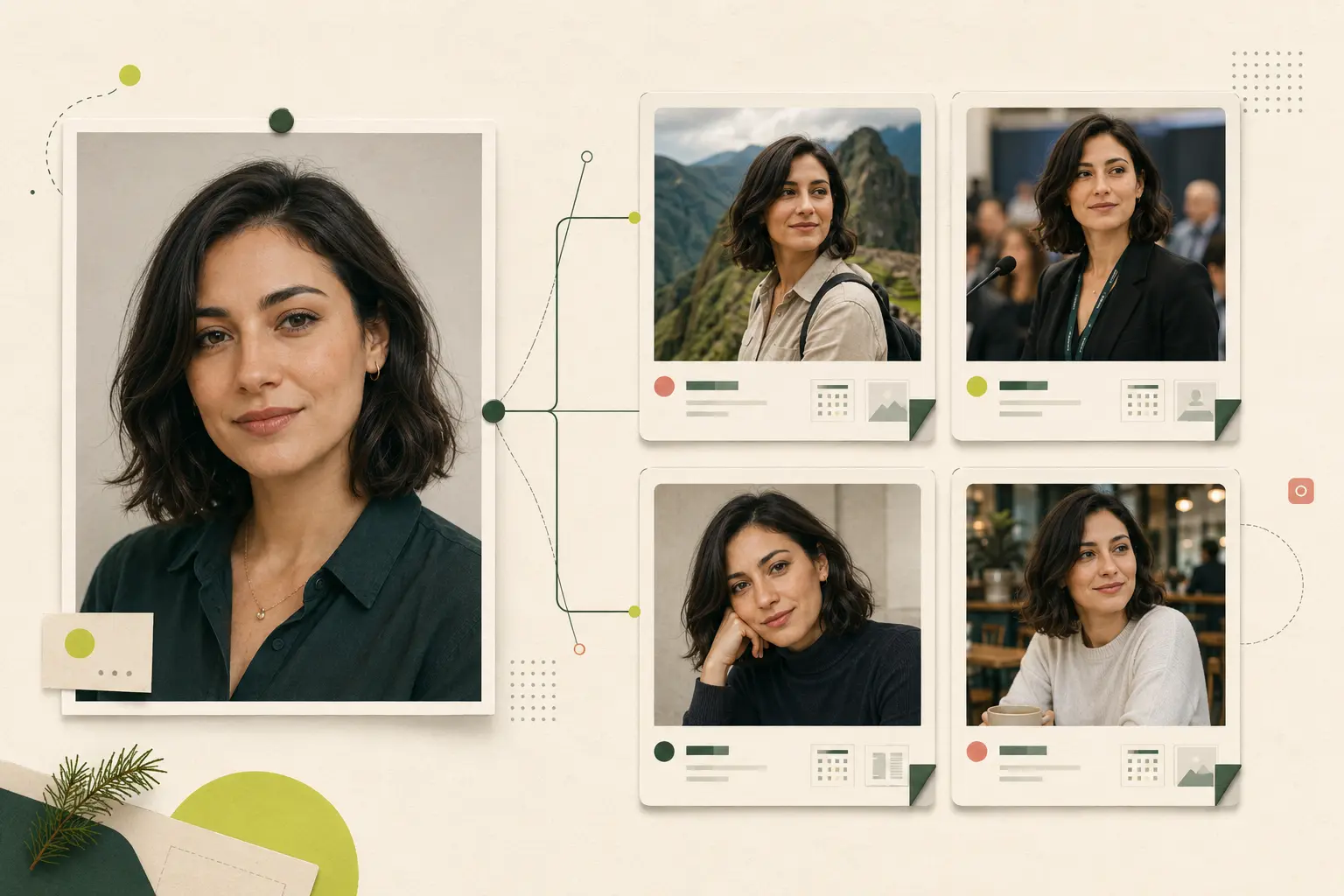
A fictional adult portrait connected with four different public source cards
Synthetic example. Visual similarity, username clues, dates, and the original source must be reviewed together.
03 / RESULT EVIDENCE

A profile-looking result is only the start of the investigation.

The same photo can be copied into a fan page, forum avatar, repost, fake profile, creator promotion, or legitimate cross-platform account. Read the image and the surrounding page together.

04 / SEARCH TYPES

Choose the method that matches the clue you actually have.

01

Face search

Useful when the same adult face may appear in different photos across public pages.

02

Exact reverse-image search

Useful for finding the same file, crop, thumbnail, edited copy, or likely image origin.

03

Username or name search

Useful for tracing text-linked accounts, while remembering that names and handles can be copied or false.

05 / VERIFY THE PROFILE LEAD

Check the account around the face, not only the face inside the account.

A responsible conclusion needs several independent signals. Stop if the source is private, ambiguous, or unrelated to your legitimate purpose.

  1. 01

    Open the original page and confirm it is public, current, and not a copied result preview.

  2. 02

    Compare at least two independent photos with different angles, dates, or settings.

  3. 03

    Review visible usernames, bio links, captions, posting history, and linked official sites.

  4. 04

    Distinguish the person pictured from the account, fan page, reposting site, or impersonator using the image.

  5. 05

    Look for the earliest credible publication and note obvious crops, filters, mirrored copies, or changed names.

  6. 06

    Save exact source URLs and use the platform's own report, safety, or removal process when needed.

06 / USE CASES

Use cross-platform search for evidence-led, lawful questions.

The safest uses begin with a legitimate reason, respect privacy, and end with verification rather than contact or accusation.

01

Audit your own social footprint

See where your face appears publicly, document unwanted reuse, and prepare platform-specific removal steps.

02

Review possible impersonation

Find the same portrait under inconsistent public handles while remembering the person pictured may also be a victim.

03

Check a suspicious public profile

Use visual results as one safety signal alongside account history, live verification, and independently confirmed details.

04

Connect a creator's public pages

Compare official links, channel pages, interviews, biographies, and dated sources without crossing private or paid boundaries.

TRUST & NEXT ACTION

Choose the next action that fits the evidence.

Privacy, reporting, removal, and responsible use are separate workflows. Keep the source URL and use the appropriate route.

Privacy and photo handlingFaceSonar guideResponsible-use boundariesFaceSonar guideReport misuse or unsafe behaviorFaceSonar guideRemoval and opt-out guidanceFaceSonar guide
07 / FAQ

Social profile search questions, answered without overpromising.

Public indexing is incomplete and a visual match is not identity. Both limits apply to every platform.

Can I find a social media account with a photo?

A face photo may surface visually similar images attached to indexed public profile, post, page, channel, or creator sources. It cannot guarantee an account or confirm who owns it.

Which social platforms are covered?

FaceSonar provides dedicated public-web guides for Instagram, TikTok, Facebook, LinkedIn, Telegram, X, YouTube, Reddit, Pinterest, Snapchat, WhatsApp, Discord, Twitch, and OnlyFans.

Does FaceSonar search inside the platform apps?

No. The search uses public web pages associated with those platforms that a third-party face index has indexed; it does not connect to native app databases or bypass platform access controls.

Can FaceSonar search private social profiles?

No. Private accounts, closed groups, contacts, messages, member-only areas, and login-only app data are outside the product boundary.

Does a strong match prove the account belongs to that person?

No. It may involve a lookalike, relative, fan page, repost, stolen image, or unrelated account. Verify more than one photo and independent source context.

What does no result mean?

The image may be new, private, blocked from indexing, poorly photographed, deleted, or absent from the face index. No result does not prove a profile is genuine or safe.

Which photo works best?

Use one clear, well-lit adult face with useful resolution, a near-frontal angle, little obstruction, and no heavy filter. Avoid group shots and tiny screenshots.

Can I search with a screenshot?

Yes, when the face is large and clear enough. Compression, overlays, filters, motion blur, and a small crop can weaken the candidate results.

Is this the same as username search?

No. Face search compares visible facial patterns; username search follows text. Combining both can improve context, but neither method alone proves ownership or identity.

What happens to my uploaded photo?

It is stored privately on FaceSonar's server and is never sent to the platforms themselves. It goes to the third-party face index only if you unlock the report, and photos behind unpaid searches are deleted automatically after 30 days.

Do I need permission to search another adult's social profiles by photo?

Only use a photo you own or are legally authorized to use, with consent where required. Never use the result to stalk, expose, harass, threaten, or make high-impact decisions.

Can it find deleted posts or hidden stories?

No. Deleted, private, ephemeral, login-only, and unindexed content is outside the promised scope, even if an unrelated public repost still exists elsewhere.

What if the same photo appears under several names?

Treat that as evidence of reuse, not proof about the person pictured. Compare dates and original sources, document URLs, and use the relevant platform reporting process.

Can I search for a child?

No. FaceSonar is designed for lawful adult-photo use and must not be used to search for, track, identify, or profile minors.

Search across public social sources. Verify on the original page.

Prepare one clear photo, review platform-specific leads carefully, and keep every conclusion proportional to the source evidence.

Choose a face photo