Look for avatar reuse on public pages
One clear, front-facing portrait gives the face index the most to compare.
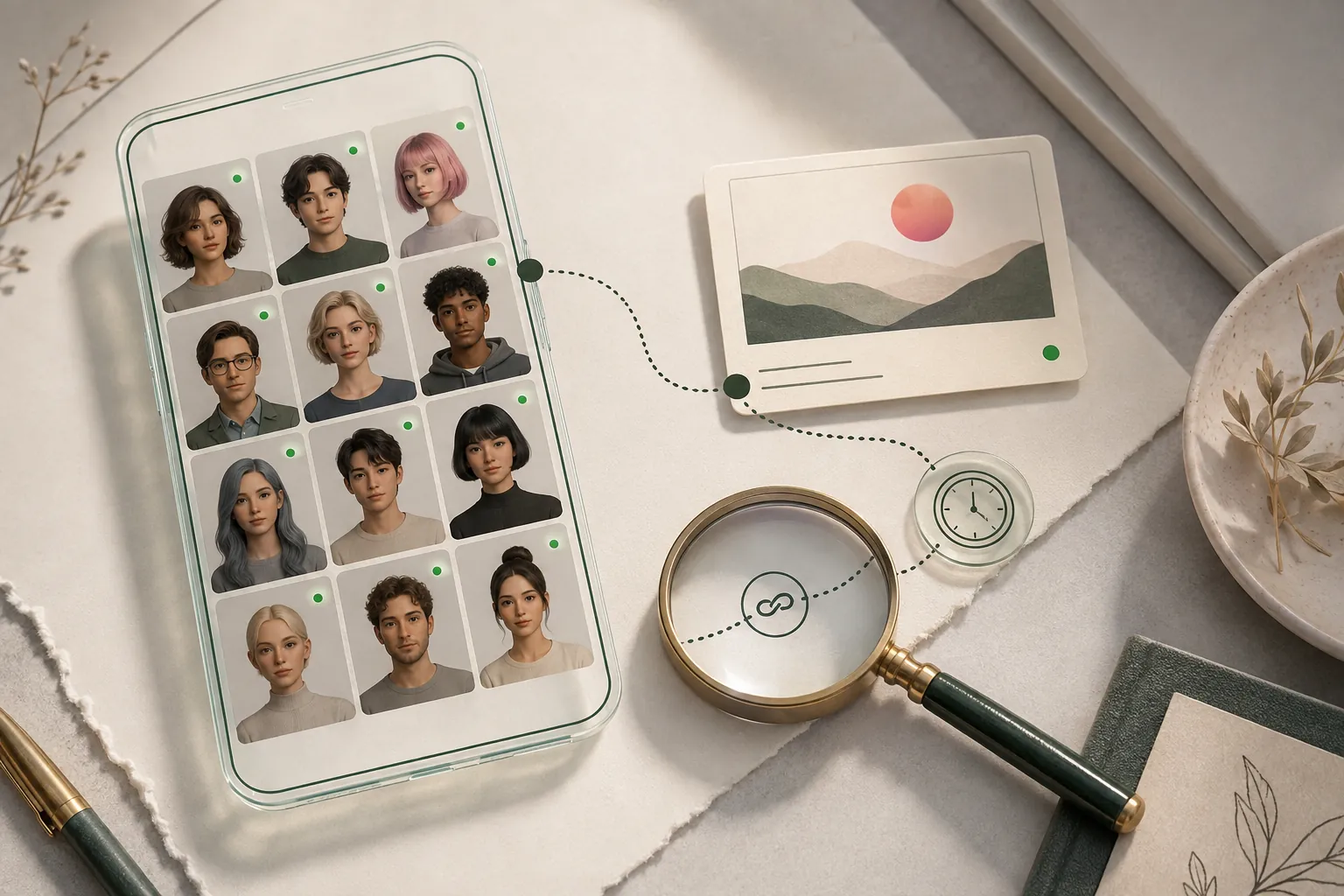
Discord avatars can be original, fictional, or copied from a public page. FaceSonar can look for public reuse of the image or visually similar faces without entering servers or reading private conversations.
Review public avatar reuse while leaving private servers, members, and messages outside the search.
Search indexed public web pages connected to Discord. This guide explains the platform-specific profile, channel, post or media coverage.
Stored privately, and deleted after 30 days if you don't unlock a report.The workflow starts with visual similarity and ends at the original public page. A resemblance is a lead to inspect, never an identity label.
One clear, front-facing portrait gives the face index the most to compare.
Check whether a Discord avatar or profile image appears on other public web pages under different contexts.
Treat the similarity score as a lead, not a name; open and verify the original page.
Coverage depends on pages that are publicly accessible and indexed. These are the most relevant source types for this platform.
Indexed server listings and public invite landing pages that expose limited community branding on the web.
Creator, team, project, and event pages that openly publish their Discord destination.
Community wikis, forums, and repository documentation containing publicly shared avatars or screenshots.
Public creator profiles that reuse the same portrait or avatar outside Discord.
Private spaces stay outside the product. No profile-style illustration on this page implies access to restricted data.
A useful lead should survive more than one check. Compare visual detail with dates, handles, biographies, linked sites, and independent appearances.
Prefer a Discord destination linked from the project’s or creator’s genuine public website.
Compare the exact username, display name, and visible community context while remembering each can change.
Look for the earliest or highest-resolution public version to detect copied or cropped avatars.
Review linked public accounts and community history independently; a face match alone is insufficient.
Clear answers about public coverage, photo quality, privacy, and responsible interpretation.
No. It searches public web sources and does not access servers or messages.
No. It can only surface public visual similarities for careful review.
No. It does not join servers, accept invites, or inspect private community content.
Face matching is intended for photographic faces. Exact reverse-image search is usually more suitable for artwork or logos.
No. Avatars are easy to copy and may be shared by unrelated users.
Save the relevant public URLs and screenshots, then use Discord’s official reporting process without confronting the person shown.
Upload one clear photo, choose the face, and keep every potential match connected to its original public source.