News & editorial pages
Public articles, interviews, bylines, and image captions can connect a portrait with a dated publishing context.
Go beyond a single social platform and search for a face across publicly accessible news pages, blogs, forums, portfolios, event pages, documents, and image reposts. When you unlock the report, FaceSonar searches a third-party face index and organizes visually similar public leads; it does not open private pages or prove identity.

Search indexed news, blog, forum, portfolio, event and other public pages for a similar face. Login-only and private content stays out of scope.
Stored privately, and deleted after 30 days if you don't unlock a report.Open-web coverage depends on what a provider has indexed from pages that can be reached without private access. A useful result may come from a publisher, a personal site, an event archive, a forum, or a repost — and each source carries a different level of evidence.
Public articles, interviews, bylines, and image captions can connect a portrait with a dated publishing context.
Personal essays, travel posts, author pages, and older site archives may preserve independent visual context.
Public avatars, quoted posts, conference threads, and community pages may reveal reuse without exposing private groups.
Creator portfolios, speaker biographies, team pages, and professional sites can provide a stronger first-party source.
Public event galleries, association pages, award listings, and programs add dates, roles, and publication history.
Public thumbnails, episode pages, interviews, and channel embeds can preserve a face even when the original clip changes.
Public speaker, author, member, award, and organization directories can connect a portrait with attributable page context.
Image collections, mirrors, thumbnails, and reposts can expose a copied photo, but may not be the original publisher.
Accessible reports, brochures, press kits, and public PDFs may contain portraits that ordinary profile searches miss.
Public profile pages and official outbound links help connect a candidate image with corroborating sources across the web.
Public-web search scope only. FaceSonar does not promise complete internet coverage, access private content, or establish a person's identity.
A responsible open-web face search separates photo preparation, visual comparison, source review, and human verification. The original page remains more important than a similarity score.
Use one visible adult face with balanced light, useful resolution, and minimal obstruction or filtering.
After unlocking the report, the photo is compared with images found on publicly accessible and indexed pages.
Separate original publishers, first-party biographies, editorial pages, mirrors, and low-context reposts.
Open the page, compare several photos, inspect dates and authorship, and corroborate with independent links.
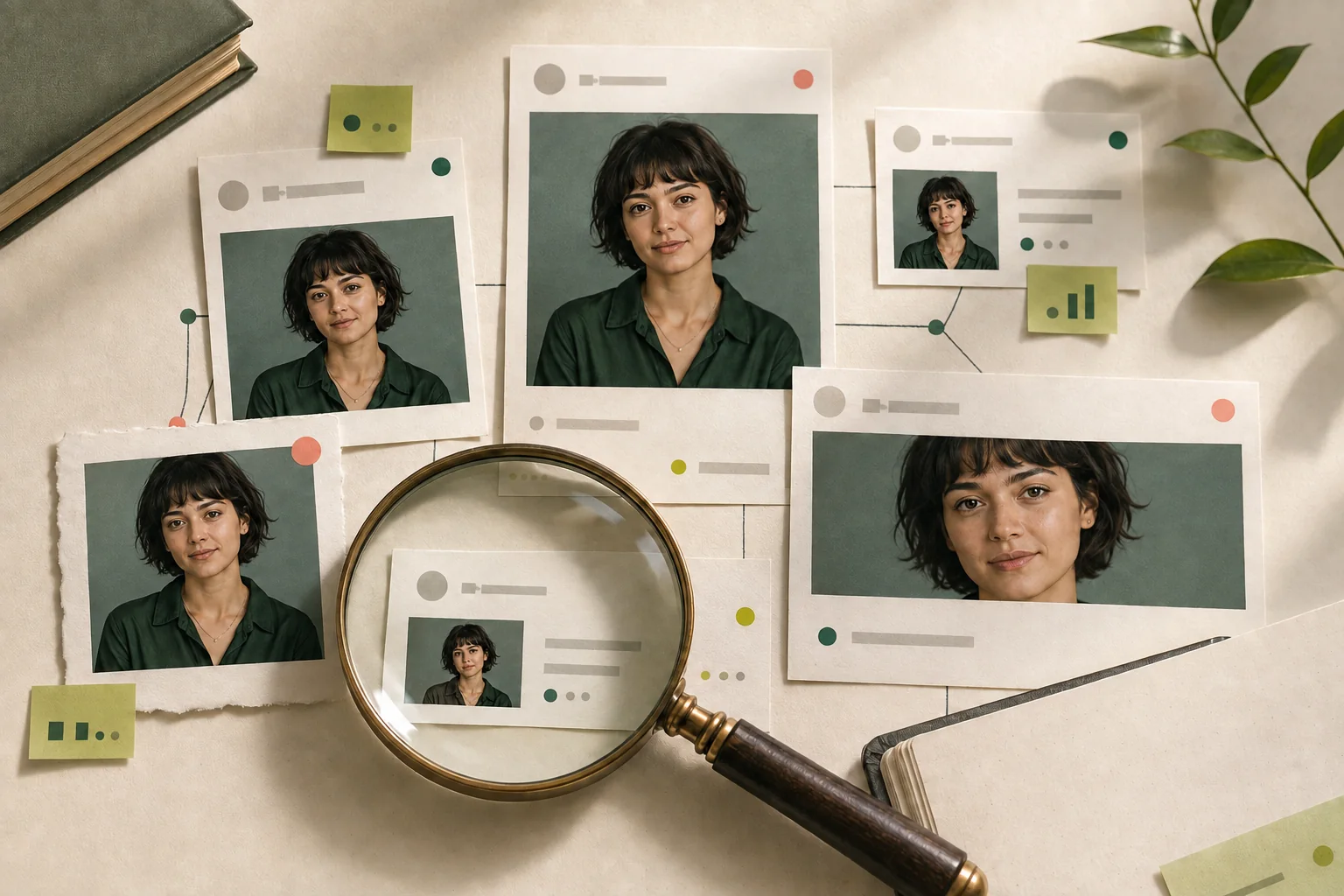
The same portrait can be copied, cropped, mirrored, syndicated, or attached to a false name. Follow the evidence backward before deciding which page deserves trust.
Open the exact result URL rather than relying on a thumbnail.
Check the page title, publisher, author, visible date, and image caption.
Look for the earliest credible publication, not only the highest-ranking page.
Compare at least two independent photos, angles, or dated appearances.
Distinguish the person shown from the account or publisher using the photo.
Save source URLs and use the host site's report or removal process when needed.
Rank the page as evidence before ranking the face. These signals help separate an original source from a copied, stale, or context-free appearance.
A creator-owned site, official organization page, or clearly attributable publisher is usually stronger than an anonymous mirror.
A named author, publisher, editorial policy, or visible contact route makes the surrounding context easier to verify.
Publication and update dates help reveal whether one page copied another or preserved an older appearance.
Several consistent images from different moments are more informative than one repeated thumbnail.
Official outbound links and corroborating pages can connect the candidate to a broader public presence.
Names, captions, event details, roles, and timelines should agree across independent sources.
Aggregators, scraped pages, and image mirrors can surface a photo while stripping away its original meaning.
A missing result means coverage is incomplete, not that the photo or claim is authentic.
Useful for finding the same file, crop, thumbnail, or lightly edited copy. It may reveal reuse without telling you who is shown.
Useful for finding different public photos of a visually similar face. It remains a candidate signal, never an identity verdict.
Uses dates, authorship, captions, related pages, and multiple photos to decide whether a visual lead is credible.
Search, privacy, reporting, and removal are separate workflows. Use the path that matches what the public page actually shows.
The key boundary is simple: public indexed pages can become leads; private access and identity conclusions stay out.
It means publicly accessible pages that can be reached without private credentials and that a search provider may have indexed. It is broader than one social network but never the whole internet.
It may surface visually similar faces on indexed public articles, blogs, forum pages, portfolios, events, documents, and image pages.
No. Private accounts, closed groups, messages, subscriber pages, cloud albums, and access-controlled content stay outside the search boundary.
No. This workflow is limited to ordinarily accessible public pages and does not search hidden services, private databases, or restricted networks.
No. A score measures visual similarity. Confirm the original publisher, dates, captions, several photos, and independent context before drawing any conclusion.
Articles can be syndicated, images can be reposted, thumbnails can be mirrored, and scraped pages can copy content while removing the original attribution.
The image may be new, private, unindexed, blocked from crawling, low quality, absent from the provider's coverage, or never published publicly. No result proves nothing.
Choose one clear, well-lit adult face with minimal blur and obstruction. Avoid group photos, extreme angles, heavy filters, masks, and tiny face crops.
Yes, privately on FaceSonar's server with no public link: only the browser or account that uploaded it, and the site's operator, can open it. It is sent to the third-party face index only when you unlock a report. Photos behind unpaid searches are deleted automatically after 30 days; the photo behind an unlocked report stays until you delete your account.
Only use a photo you own or are legally authorized to use, with consent where required. Never use face search to stalk, expose, harass, or make consequential decisions about someone.
Compare visible dates, authorship, captions, image quality, canonical links, and independent references. The oldest page is not automatically original, but it is a useful lead.
Save the exact source URL and context, contact the website or platform that hosts the page, and use the FaceSonar removal and opt-out guidance for the appropriate next step.
Prepare an open-web search, review public candidates carefully, and verify the publishing context before treating visual similarity as meaningful evidence.