Look for public reuse of a profile photo
One clear, front-facing portrait gives the face index the most to compare.
A suspicious contact may use a portrait taken from a public profile, article, creator page, or unrelated person. FaceSonar can search for public visual reuse without accessing WhatsApp accounts, contacts, or messages.
Add a public-source photo check to your safety routine while private conversations stay private.
Search indexed public web pages connected to WhatsApp. This guide explains the platform-specific profile, channel, post or media coverage.
Stored privately, and deleted after 30 days if you don't unlock a report.The workflow starts with visual similarity and ends at the original public page. A resemblance is a lead to inspect, never an identity label.
One clear, front-facing portrait gives the face index the most to compare.
Check whether a WhatsApp profile photo is reused on public web pages or connected to inconsistent public identities.
Treat the similarity score as a lead, not a name; open and verify the original page.
Coverage depends on pages that are publicly accessible and indexed. These are the most relevant source types for this platform.
Company websites that publicly publish a wa.me contact link alongside a business name or portrait.
Business directories, store pages, and support pages that openly display relevant contact context.
News, forum, and scam-warning pages where the portrait or profile screenshot has been published openly.
Creator, professional, or social profiles that reuse the same portrait or publish the same business contact.
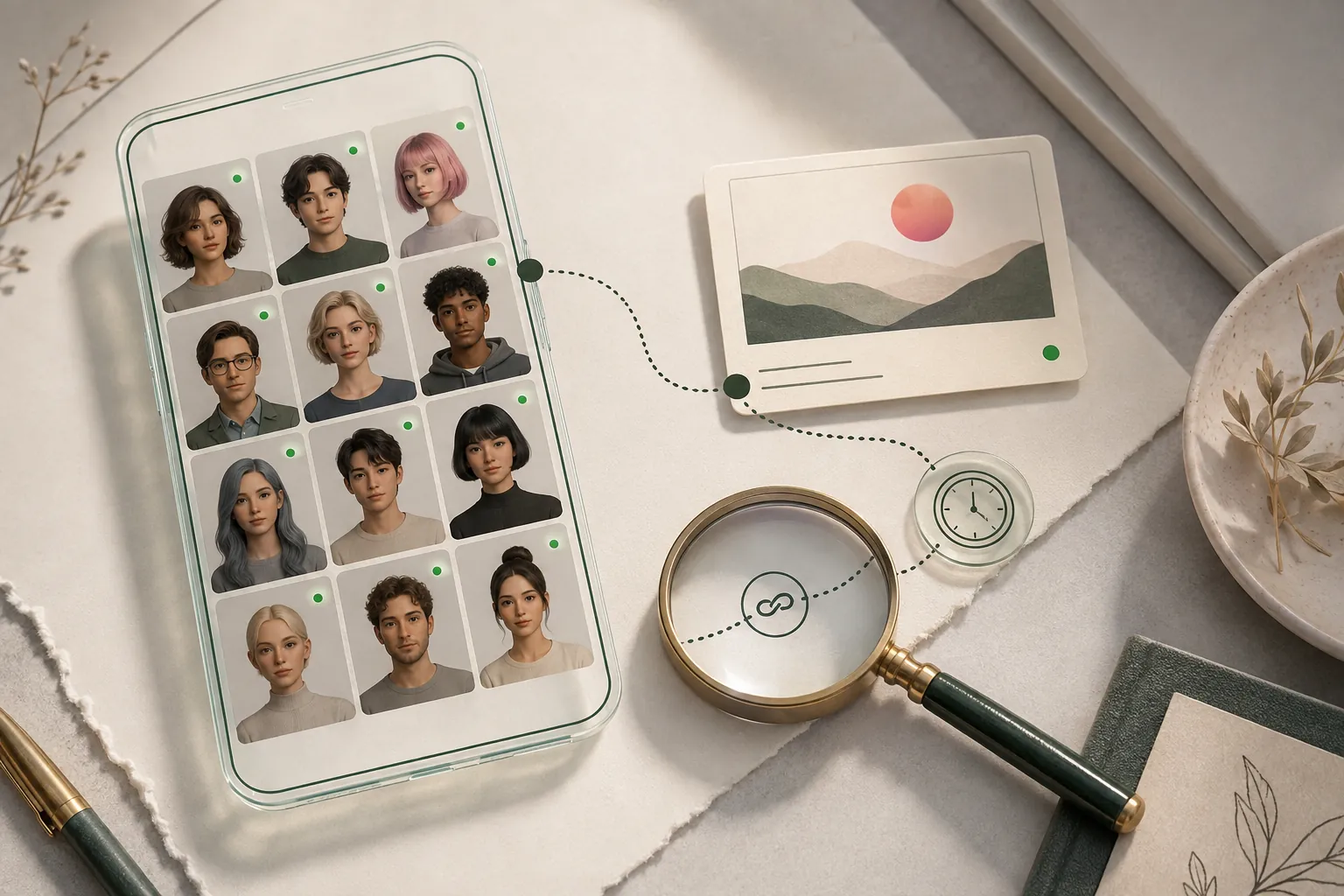
Private spaces stay outside the product. No profile-style illustration on this page implies access to restricted data.
A useful lead should survive more than one check. Compare visual detail with dates, handles, biographies, linked sites, and independent appearances.
Check whether the WhatsApp link is published directly by the organization’s genuine domain.
Compare the country code, business name, category, and public contact details across independent pages.
A dated source that predates the conversation may reveal where a copied profile image originated.
Verify the contact through a trusted phone number, email address, or website obtained independently.
Clear answers about public coverage, photo quality, privacy, and responsible interpretation.
No. It cannot read chats, contacts, calls, or private account data.
Pause the conversation, avoid payments, and verify through a separate trusted channel.
No. It searches the public web from an uploaded face photo; it is not a phone-number lookup service.
No. Confirm that the number is linked from the organization’s genuine website or another trusted channel.
No. Crop the image to the face and remove messages, phone numbers, and other people’s personal information.
Treat photo theft as a possibility. Do not assume that the person shown controls the WhatsApp account.
Upload one clear photo, choose the face, and keep every potential match connected to its original public source.