Review public Twitch and creator-page clues
One clear, front-facing portrait gives the face index the most to compare.
Streamers and guests may appear across public channel pages, clip thumbnails, event coverage, interviews, and other social profiles. FaceSonar organizes those public visual leads around the source page.
Connect one portrait with verifiable public creator and streaming context.
Search indexed public web pages connected to Twitch. This guide explains the platform-specific profile, channel, post or media coverage.
Stored privately, and deleted after 30 days if you don't unlock a report.The workflow starts with visual similarity and ends at the original public page. A resemblance is a lead to inspect, never an identity label.
One clear, front-facing portrait gives the face index the most to compare.
Search public pages for visually similar faces connected to Twitch channels, clips, interviews, and creator profiles.
Treat the similarity score as a lead, not a name; open and verify the original page.
Coverage depends on pages that are publicly accessible and indexed. These are the most relevant source types for this platform.
Indexed channel, profile and About pages with visible creator context.
Public clip, video and thumbnail pages that preserve title and upload context.
Public team, tournament, convention and streaming-event pages.
Open interviews, news coverage and creator profiles linked from public pages.
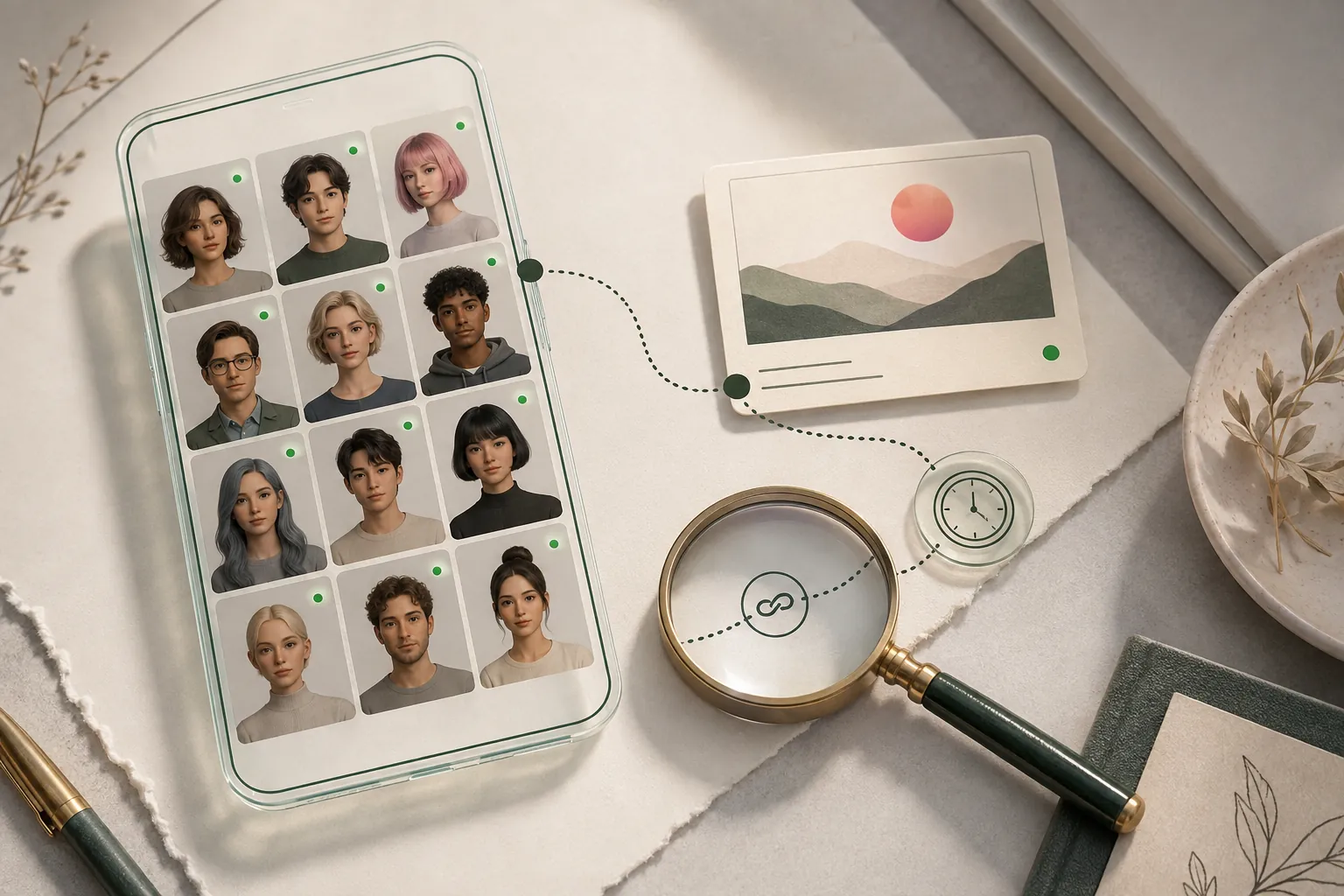
Private spaces stay outside the product. No profile-style illustration on this page implies access to restricted data.
A useful lead should survive more than one check. Compare visual detail with dates, handles, biographies, linked sites, and independent appearances.
Channel links correspond with independently visible creator profiles.
The original channel, title, date and surrounding video context remain visible.
Several clear public frames support the lead rather than one edited thumbnail.
Handle history, branding and recent public activity form a consistent timeline.
Clear answers about public coverage, photo quality, privacy, and responsible interpretation.
No. Restricted streams and private account data are outside scope.
No. Check official links, channel history, and corroborating public details.
Yes, when the screenshot shows one unobstructed face. FaceSonar compares it only with indexed public pages.
A guest may surface through public thumbnails, event pages or interviews, but a visual lead does not establish identity.
Compare older public pages, official social links, dates and branding. A former handle is useful context, not proof by itself.
Open the source page and check the publishing channel, date, description and links back to the creator's public channel.
Upload one clear photo, choose the face, and keep every potential match connected to its original public source.